Apps
Three apps today, more on the way.
SpiesTeX
A modern LaTeX editor for macOS — write, preview, and compile in one clean window.
\usepackage{amsmath}
\begin{document}
\section{Introduction}
% The Euler identity
The equation below is famous:
\begin{equation}
e^{i\pi} + 1 = 0
\end{equation}
\end{document}
1 Introduction
The equation below is famous:
eiπ + 1 = 0 (1)
Installation & requirements
- Download the
.dmgusing the button above. - Open
spiestex_0.1.0_universal.dmg. - Drag SpiesTeX into your
Applicationsfolder. - On first launch, right-click the app and choose Open to bypass Gatekeeper.
Requires macOS 11 (Big Sur) or later. A LaTeX distribution such as MacTeX may be required for compilation.
SpiesPDF
A fast, native PDF editor to easily add text and images. Simple.
Installation & requirements
- Download the
.dmgusing the button above. - Open
the file. - Drag SpiesPDF into your
Applicationsfolder. - On first launch, right-click the app and choose Open to bypass Gatekeeper.
Requires macOS 11 (Big Sur) or later. Works entirely offline — your documents never leave your Mac.
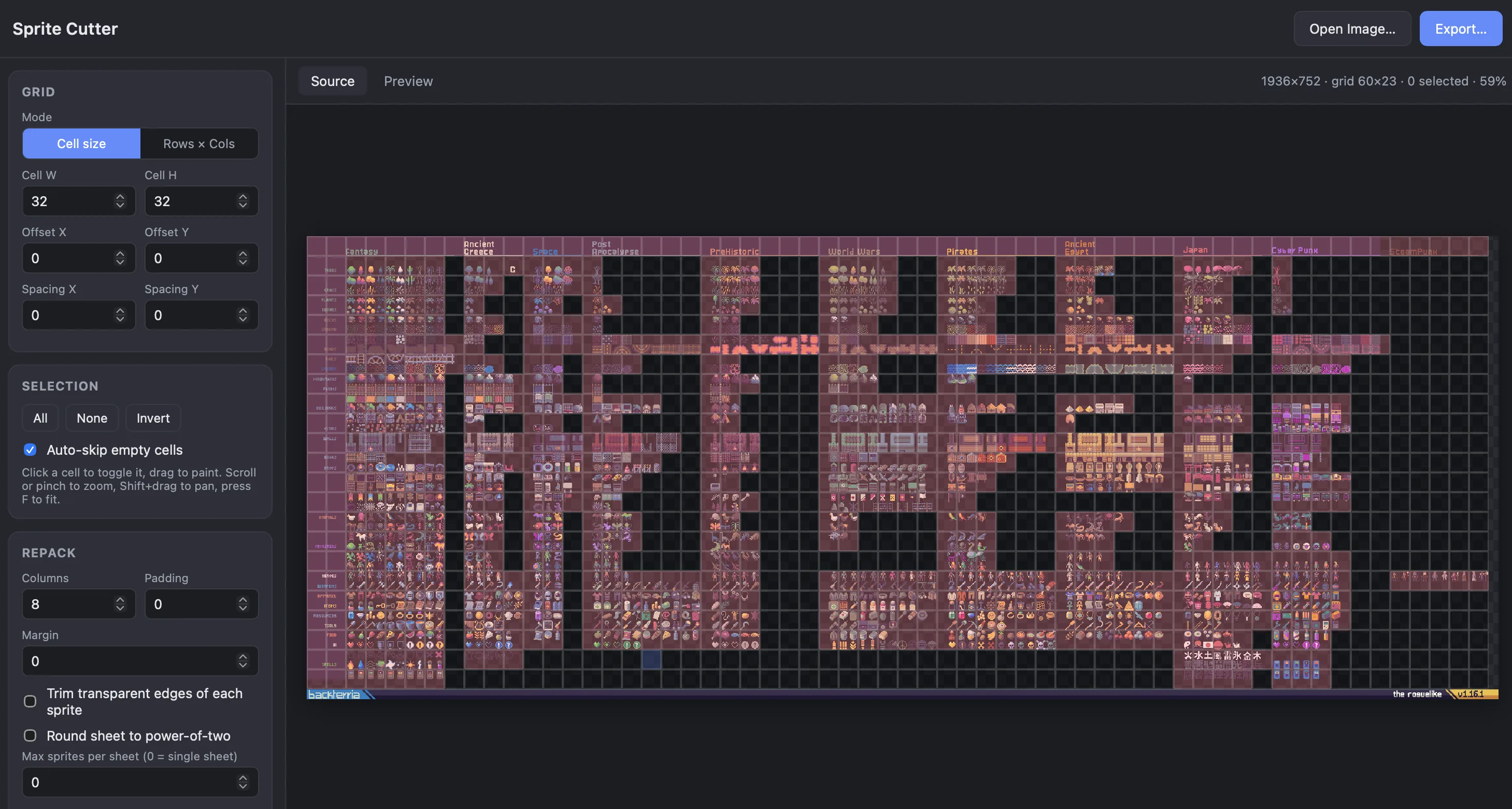
Spies Cutter
Slice spritesheets and sprite assets into smaller, more useful arrangements — for macOS and Windows.
Installation & requirements
- macOS: download the
.dmg, open it, and drag Spies Cutter intoApplications. On first launch, right-click the app and choose Open to bypass Gatekeeper. - Windows: download the
.exeinstaller and run it. If SmartScreen appears, choose More info → Run anyway.
Requires macOS 11 (Big Sur) or Windows 10 or later. Works entirely offline — your assets never leave your machine.